Empower Employees. Protect Every Prompt.
Let teams use ChatGPT, Gemini, and internal assistants safely, no ShadowAI, no slowdown. Data never leaves, while work keeps moving.
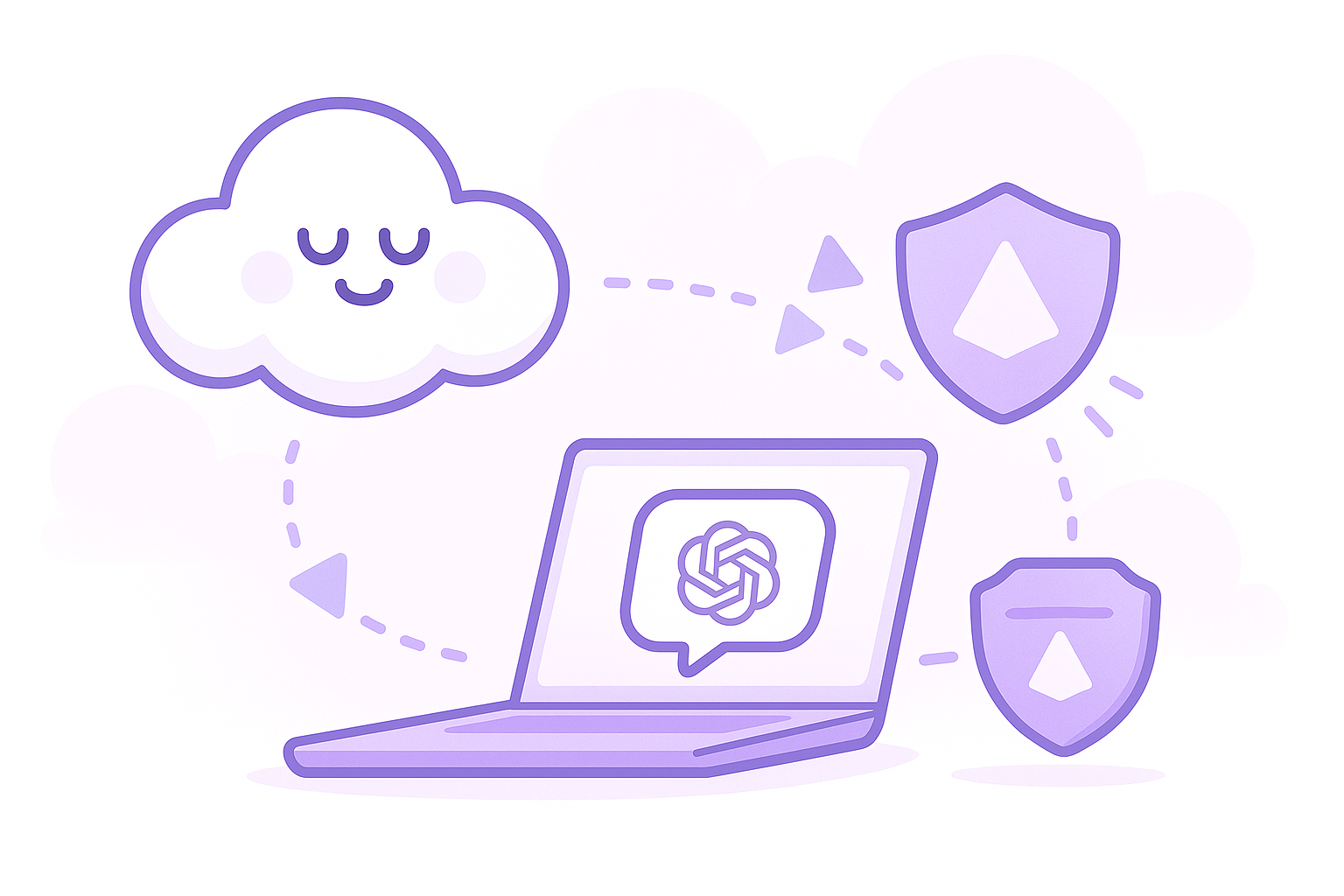
AI is awesome. With great power comes great responsibility.
Safeguarding your data and closing security gaps is no longer optional.
80%
of enterprises face AI attacks, making it the #1 risk for big businesses.
55%
of employees use unapproved GenAI tools at work.
48%
of employees pasted non‑public company info into GenAI.
Built For Teams And Scale
Meshulash fits how people already work. The browser extension protects every prompt and file upload in real time, while centralized policies keep usage consistent across teams and regions, without asking employees to change habits.
Security Without Slowdown
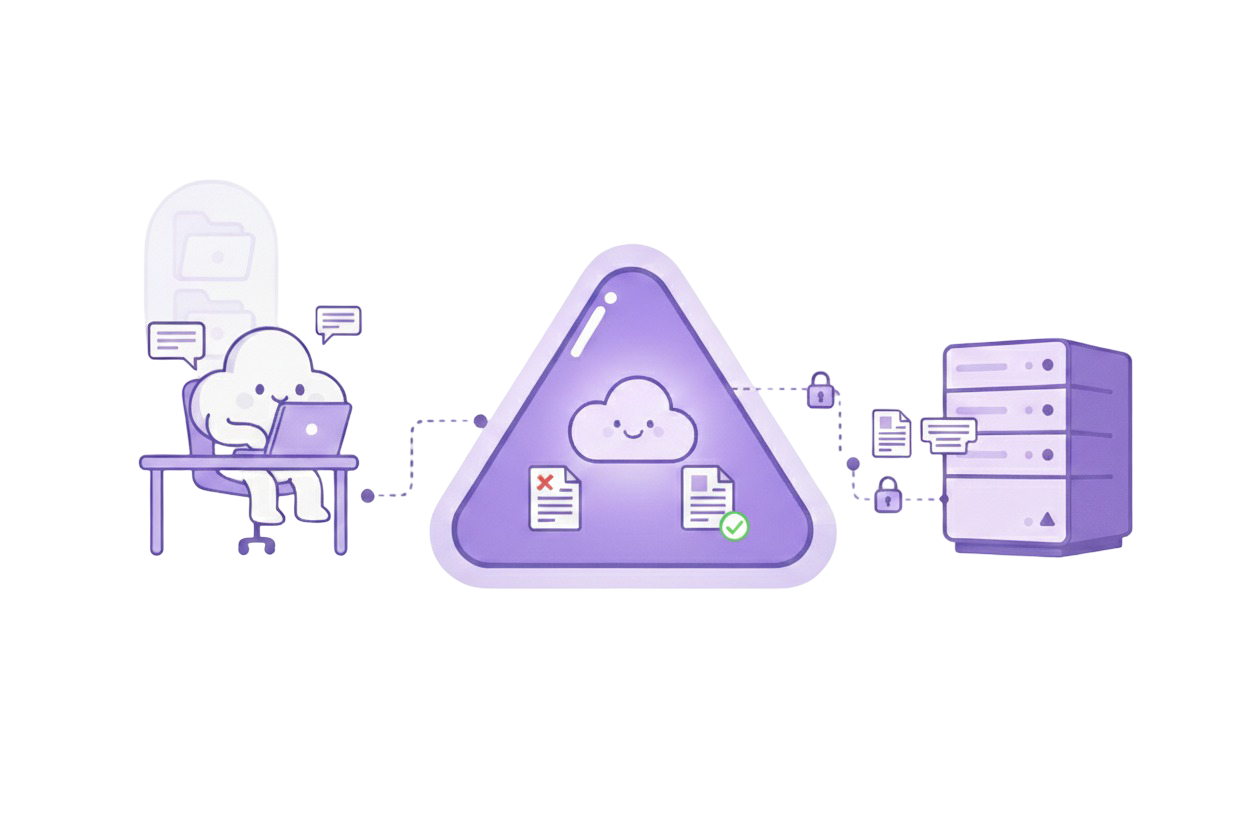
Meshulash sits between employees and any AI chat they open. Prompts and attachments are checked locally, sensitive details are redacted before transmission, and, when possible, safely referenced so context is preserved. People keep using their favorite tools, while security keeps control of what can leave the organization.
The End of Shadow AI
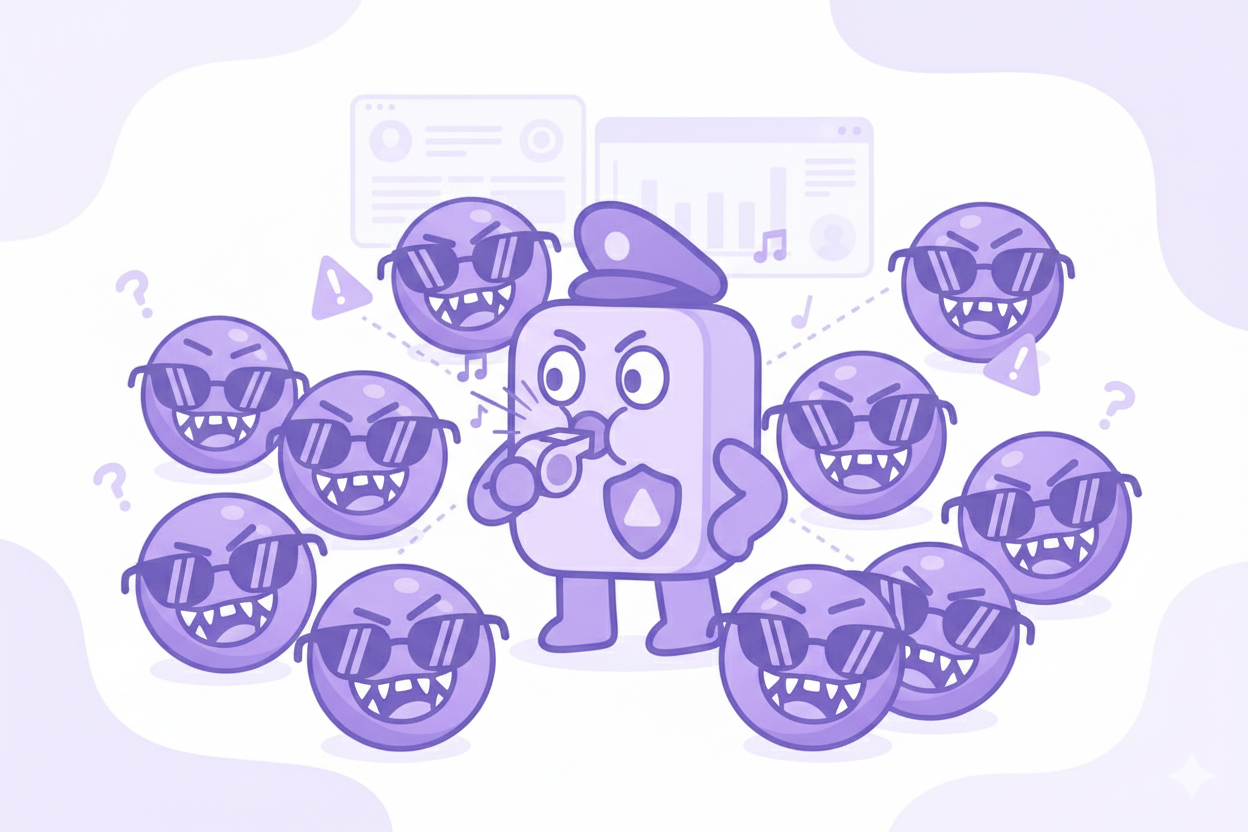
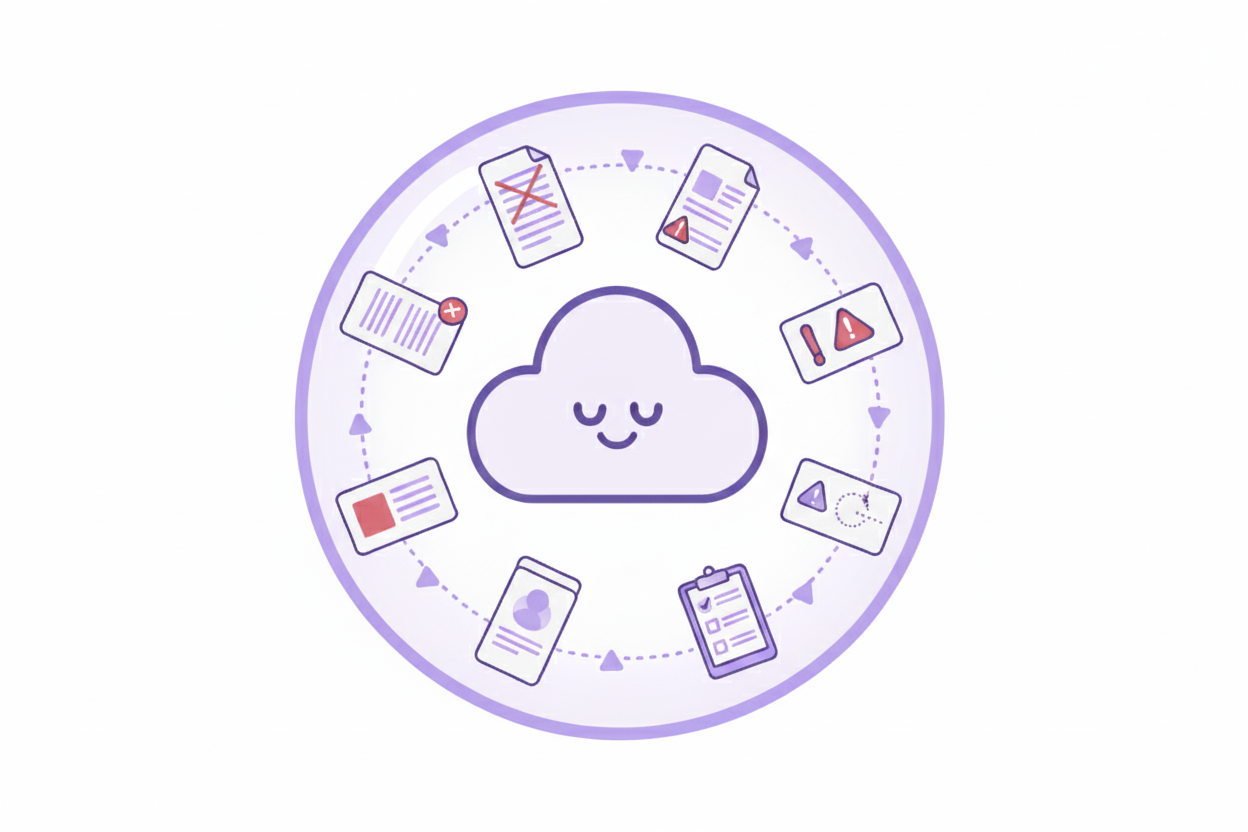
See AI usage as it happens and end Shadow AI. Meshulash continuously discovers which tools are in use, who's using them, and where risk appears, without intrusive monitoring. Drill into events when needed or track trends to refine policy over time.
Policies And Approvals
Define what may be shared and how, per department or role. Choose actions (Block, Redact, Warn, Log) and apply them transparently at the endpoint so employees see results, not roadblocks.
Drop In With Your Stack
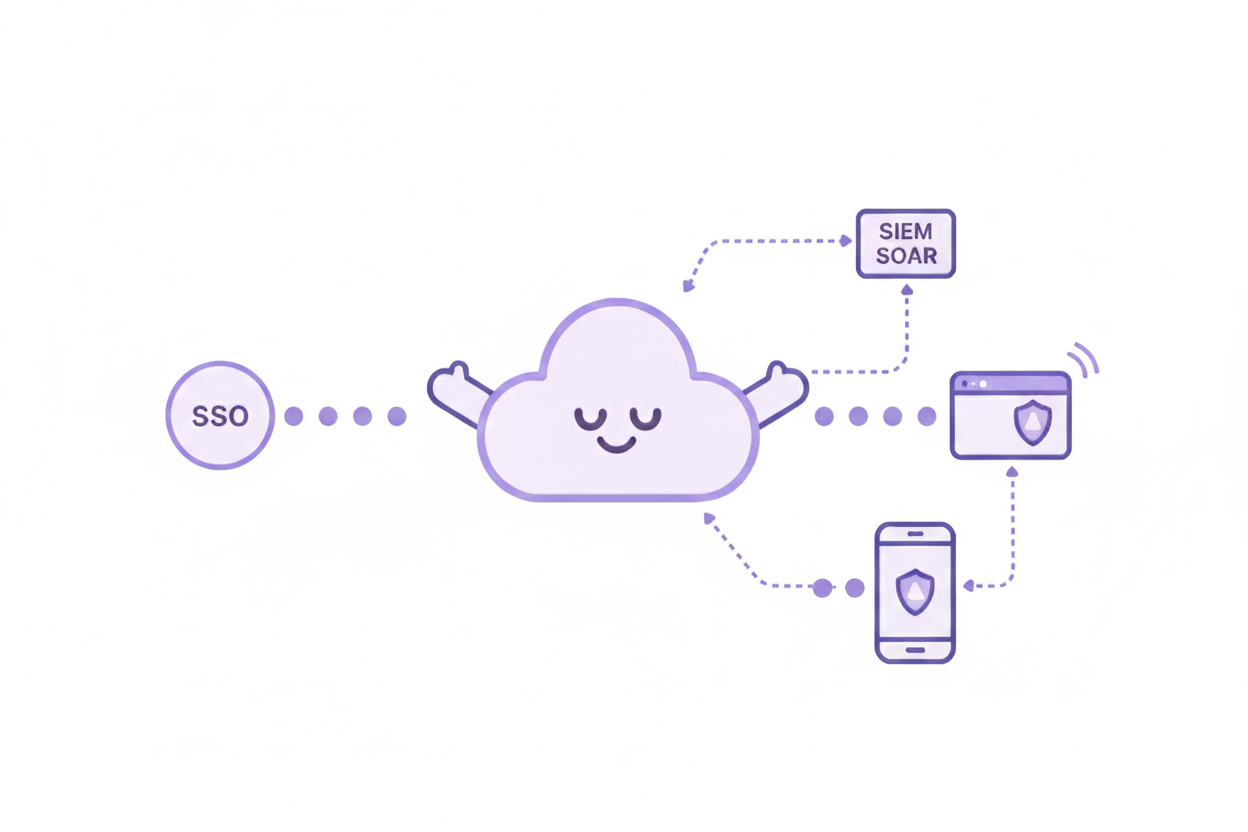
Deploy via enterprise browser management and connect identity with SSO. Stream events to SIEM/SOAR for centralized monitoring. Follow users wherever they work on the web.
Visibility And Control
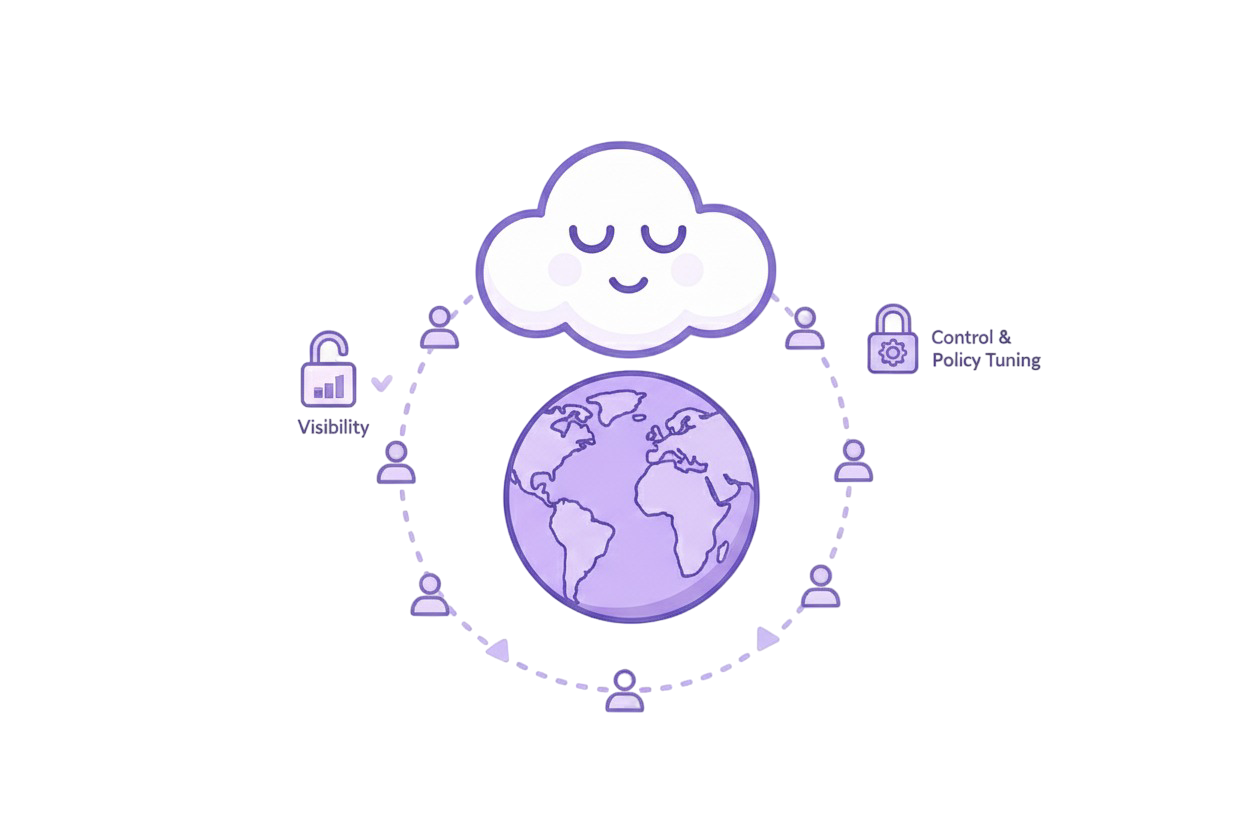
One dashboard to see activity, tune policies, and keep teams aligned with standards. Whether cloud, hybrid, or on-prem, enforcement remains consistent and traceable—giving CISOs confidence and employees uninterrupted productivity.
More Details
Click to expand and learn more

Get started quickly by installing the Meshulash for Employees browser extension or using the in-product wrapper, and start implementing Meshulash security features right away.
Frequently Asked Questions
Quick answers to common questions
No. Meshulash also discovers Shadow AI, monitors prompts and responses in real time, recognize intent and context, and enforces organization policies for outbound and inbound interactions.
Meshulash continuously discovers new AI tools and chats across browsers. Unapproved usage is surfaced in the dashboard so you can block, monitor, or allow with redaction, per team or role.
Any browser-based AI assistant or chat, including public services (e.g., ChatGPT, Gemini, Claude) and internal portals. If it runs in the browser, Meshulash can protect it.
No. Guardrails apply in the background. Employees keep using the same tools and get useful outputs while sensitive details are removed before sending.
Sensitive content is redacted locally on the device. Meshulash retains only minimal metadata needed for visibility and incident response, according to your policy.
Yes. Policies can be scoped by department, role, or group (e.g., Sales, Support, Legal, R&D) with actions like Block, Redact, Warn, or Log.
Most organizations begin rollout in minutes using enterprise browser management and SSO. Protection applies as soon as policies are enabled.
Meshulash analyzes intent and context to detect manipulation and privilege-escalation attempts, enforcing your chosen action before risky content leaves.
Yes. Files and screenshots are checked locally for sensitive data and redacted before being sent to external AI tools.